

If you’ve ever built a “quick” document automation and watched it crumble on real vendor layouts, you already know: document accuracy isn’t a model checkbox—it’s an architecture decision. Power Platform’s AI Builder makes it easy to start, but repeatable, production-grade accuracy comes from decisions you make upstream (data, thresholds, human review) and downstream (ops, ALM, compliance). This guide shares how I architect trained AI Builder solutions that survive real documents, real load, and real auditors.
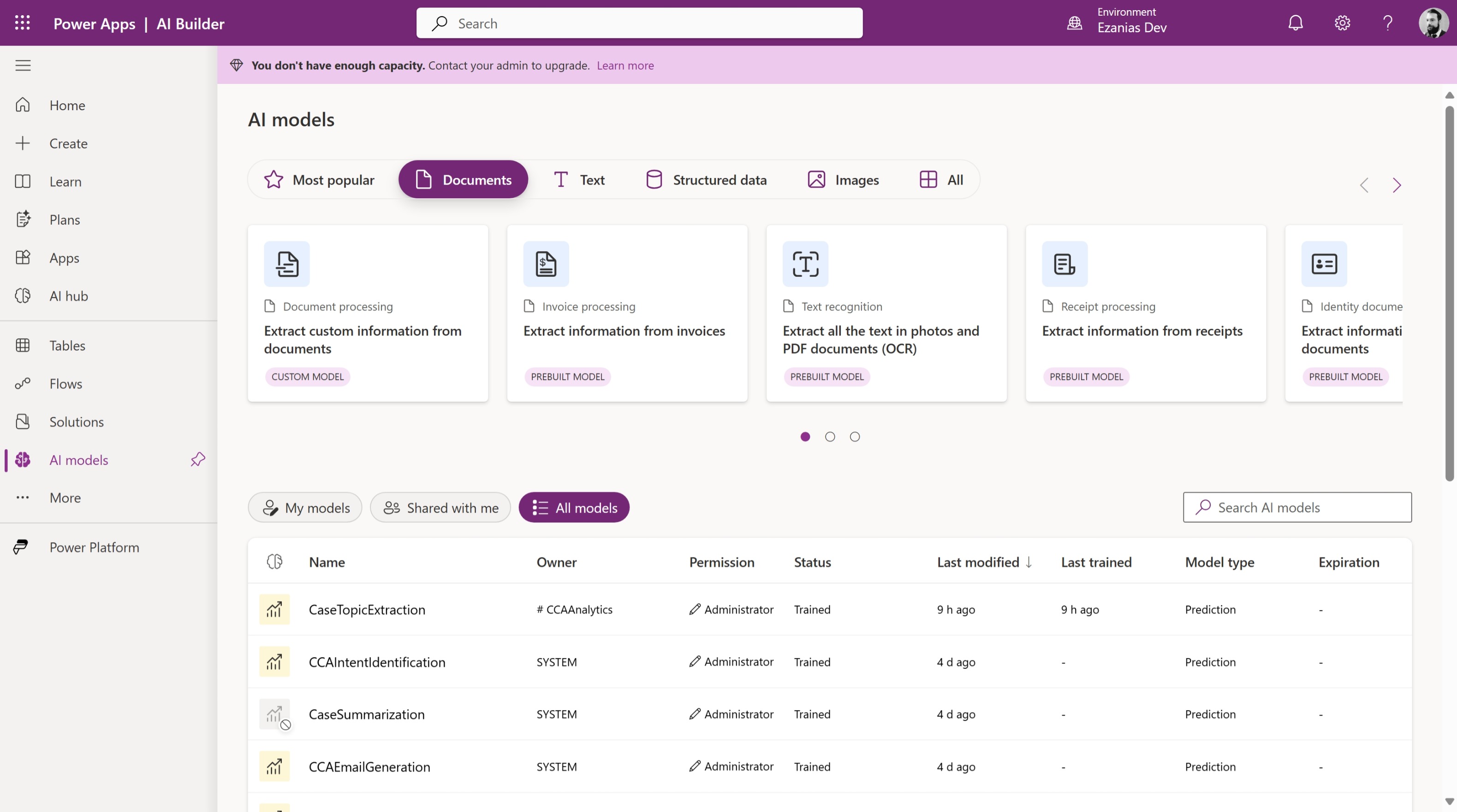
Why train a custom model?
Prebuilt AI Builder models are fantastic for common formats—until your documents aren’t common. The moment layouts vary by region, the fields you need are niche, or language/branding shifts per vendor, a prebuilt quickly tops out. Training your own model is not about “more AI”; it’s about controlling variance so the system is predictable.
When I choose to train:
- Non-standard layouts (industry forms, regional invoices, proprietary templates)
- Domain-specific fields the prebuilt doesn’t expose (e.g., contract clause IDs, PO sub-codes)
- Language/branding variance that confuses generic extractors
Outcome: higher field-level precision/recall on your actual corpus—not a demo set.
Data prep is where wins actually happen
Most “AI problems” are data problems in disguise. Training with five pristine PDFs and calling it done guarantees production pain. I start by designing the dataset like a product: define the target behaviors, then collect to cover them.
How I prep the data:
- Build a coverage matrix (vendors/templates/languages) and aim for 15–30 samples per pattern if possible.
- Annotate only what you’ll use, with consistent field names across samples.
- Prefer native PDFs; if you must use scans, standardize (300 DPI+, de-skew, no shadows).
- Split ~70/15/15 (train/validate/test) and track field-level precision/recall, not just overall.
This discipline is the difference between “works on the happy path” and “works on Tuesday afternoon during a month-end spike.”
Training is easy; deciding what to trust is the job
A trained model isn’t a magic yes/no engine. It’s a generator of probabilities you must interpret. In production I rarely trust a single global threshold; I treat each field by criticality and typical variance.
How I operationalize confidence:
- Set per-field thresholds (e.g.,
InvoiceTotal ≥ 0.92,InvoiceDate ≥ 0.88). - Define a record-level pass rule (e.g., “all critical fields above threshold”).
- Send anything else to a review queue—not to /dev/null.
That simple pattern turns “AI guesses” into predictable outcomes your finance team can live with.
A flow that scales past the proof-of-concept
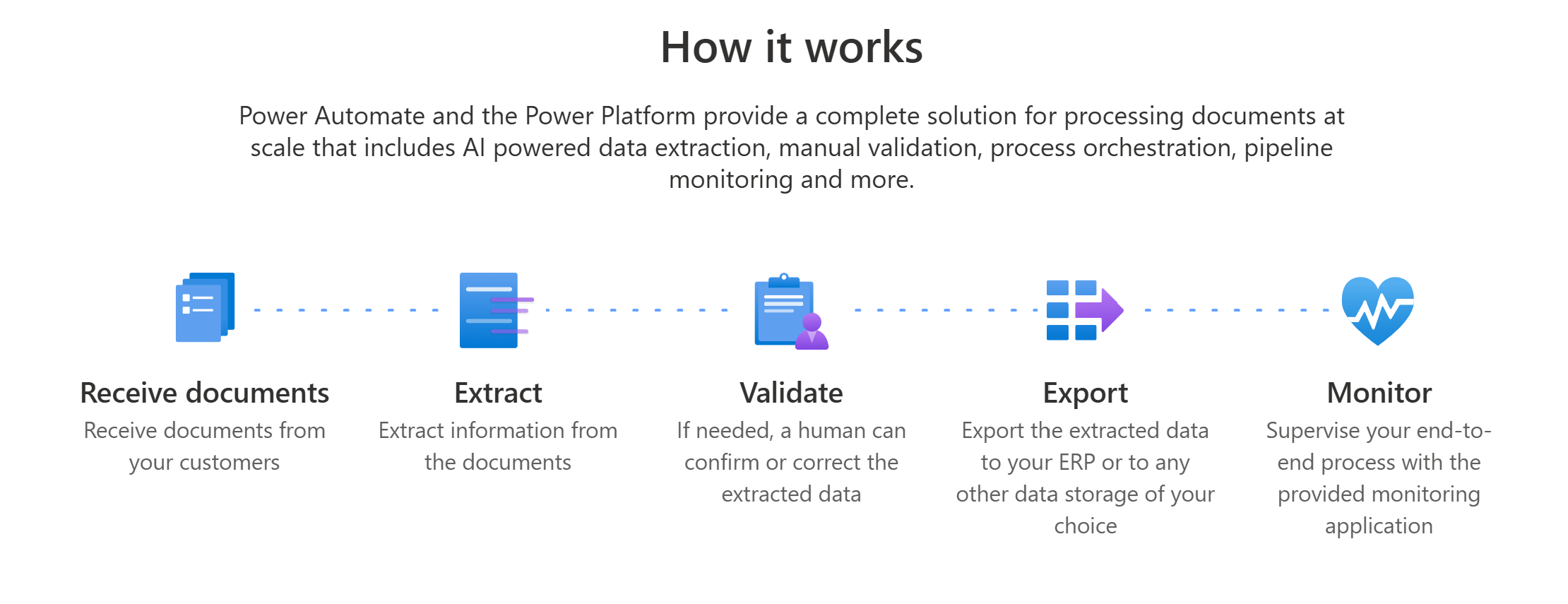
Glue matters. The architecture around the model determines reliability more than the model itself. I design flows as pipelines with clear stages and explicit gates.
Reference pipeline:
- Trigger (SharePoint/Outlook): intake and basic validation.
- Classifier (optional): route to the right trained model per vendor/type.
- Predict (AI Builder): extract fields + line items.
- Validate: apply thresholds, schema checks, and business rules (e.g., totals = sum(lines) + tax).
- Persist: upsert to Dataverse (header + child lines) with idempotency.
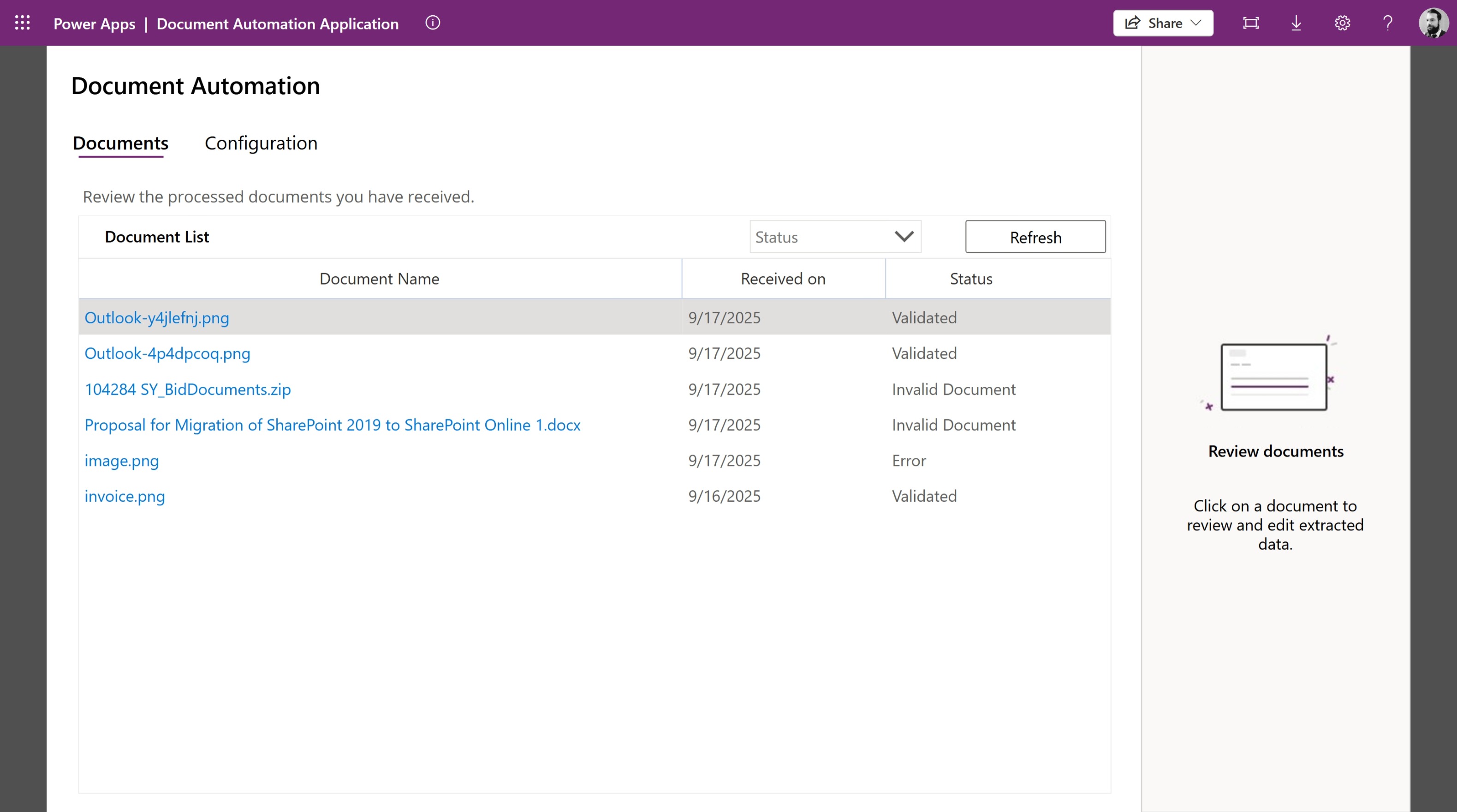
- Exceptions: route to Approvals/Teams/Review app with the PDF and extracted values side-by-side.
- Telemetry: log confidence, model version, exception reason to Dataverse/Log Analytics.
All endpoints, model IDs, and thresholds live in environment variables so the same solution travels Dev→Test→Prod.
Line items and tables: where most automations break
Invoices and POs fail not on headers, but in the rows. Multi-page tables, merged cells, and hidden subtotals create subtle bugs that only show up at volume. The fix is a normalization step.
Patterns that work:
- Normalize raw extraction into a clean array before insert (consistent columns, trimmed text, parsed numeric values).
- Accumulate multi-page lines until a footer/total pattern is detected.
- Map to Dataverse parent/child (e.g.,
Invoice↔Invoice Line) with a natural key (e.g., Vendor + InvoiceNumber) to ensure idempotent upserts.
Handle rows like a first-class citizen and your exception rate drops dramatically.
Human-in-the-loop is a feature, not a failure
A lot of teams treat human review as a mark of defeat. I treat it as quality control with learning. The goal is not zero humans, it’s right-sized humans—focused where the model is least certain.
How I implement HITL (Human-in-the-loop):
- Use three thresholds:
- 🟢 Green: approve and auto-post (all critical field(s) ≥ threshold)
- 🟡 Amber: review required and route to review process / app.
- 🔴 Red: reject with reason (critical field(s) ≤ threshold)
- Build a lightweight reviewer app (canvas or model-driven) showing the PDF next to extracted fields for rapid correction.
- Persist corrections to a feedback table with ground truth → feed these into periodic retraining.
Humans teach the system where it’s weak. Over time, “amber” shrinks and throughput grows.
Run it like a product: ops and MLOps
Production is where even good designs die—usually from drift, version sprawl, or silent failures. Treat your automation as a product with telemetry and guardrails.
Operational playbook:
- Version everything (model, mapping, flow). Store the versions on each record.
- Drift checks: alert when exception rate or average confidence deviates from baseline.
- Retrain cadence: monthly/quarterly using newly corrected samples and any new templates.
- Throughput controls: concurrency limits, retries with back-off, dead-letter queue for poison docs.
If you can’t see it, you can’t fix it. Instrument early.
ALM and environments: make it portable on day one
Nothing tanks momentum like a model that only works in Dev. Keep artifacts solution-aware and portable, and parameterize everything you can.
What I package in the solution:
- AI Builder model reference(s), Power Automate flows, Dataverse tables (header/line/feedback), review app, dashboards.
- Environment variables for model IDs, libraries, thresholds, endpoints.
- Connection references with least privilege.
Ship once, deploy anywhere.
Compliance isn’t an afterthought—design for it
Document pipelines are full of PII and financial data. If you design for auditors from day one, you won’t dread the audit.
Controls I bake in:
- Align with DLP policies (no surprise connectors).
- Treat extracted fields as PII where appropriate; apply retention policies in Dataverse/SharePoint.
- Keep an audit trail: model version, confidence per field, reviewer/approver identity, and timestamps.
- Consider data residency and encryption if documents leave your tenant.
Security that’s invisible to users is the best kind.
Common gotchas I see (and how I avoid them)
 Even good teams hit the same potholes. Here are the ones I design around up front.
- Low-quality scans & photos: standardize intake (DPI, de-skew), or expect higher amber rates.
- New vendor templates: add a classification step or keep vendor-specific models.
- Handwriting: assume review; don’t auto-post.
- Totals mismatch: enforce rule checks before posting; show the math in the reviewer app.
- Spiky volumes: cap concurrency, add retries, and queue long-running work.
You’ll still see edge cases—but they won’t take your pipeline down.
Wrap-up
Trained AI Builder models shine when you stop treating extraction as a one-off action and start treating accuracy as a system. With disciplined data prep, per-field thresholds, a humane review loop, and real ops, document automation becomes boring—in the best possible way. That’s when you scale.